A man said to the Prophet (sallallahu alayhi wa sallam), “Counsel me,” so he (sallallahu alayhi wa sallam) said, “Do not become angry.” The man repeated [his request for counsel] several times, and [each time] he (sallallahu alayhi wa sallam) said, “Do not become angry.” [Al-Bukhari]
How do I find out which Surah a recitation is from?
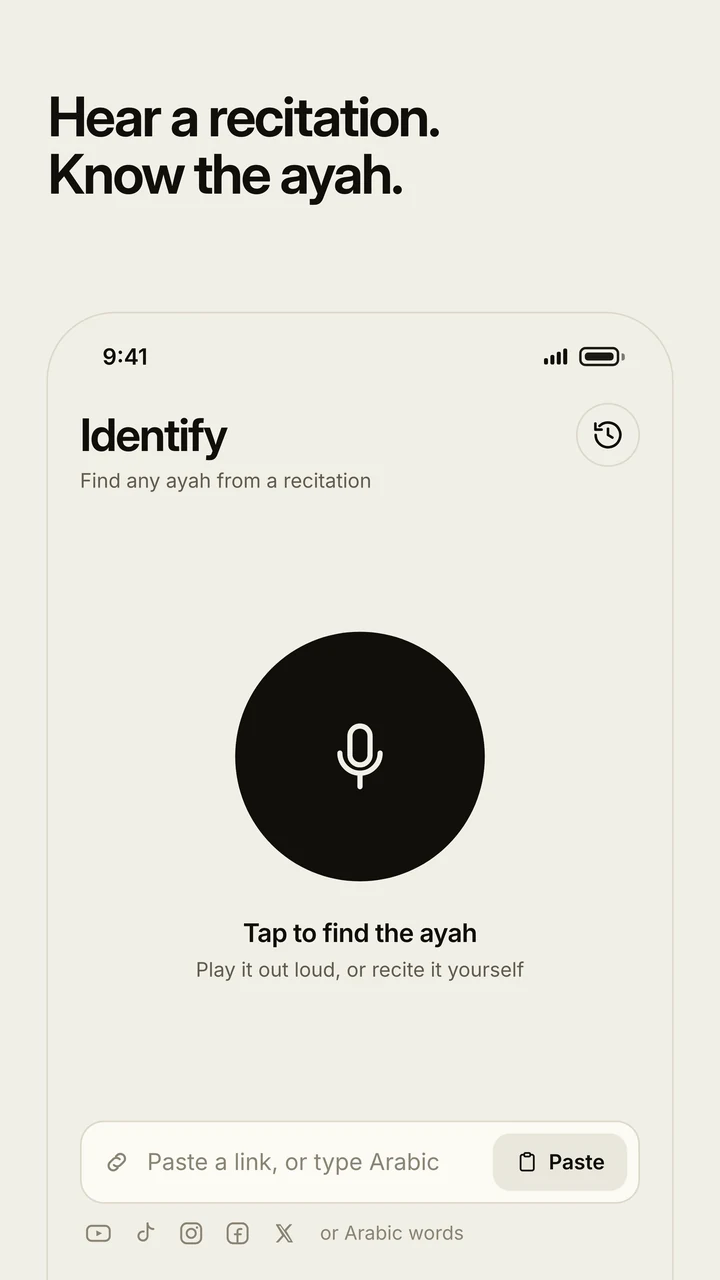
Paste the video's link into the box at the top of this page, or switch to Voice and recite the part you remember. WhatSurah transcribes the recitation and matches it against all 6,236 Ayat, then gives you the Surah, the Ayah number, the Arabic and a translation.
Which video sites does it work with?
YouTube, TikTok, Instagram, Facebook and X. Paste the link of the video or the post; the recitation is fetched and matched by itself.
Can it identify a recitation from my voice?
Yes. Switch to Voice and recite or play the part you remember. A few seconds is usually enough, for any reciter and any style.
Can I upload a video or an audio file?
Yes. Switch to Upload and choose the file, or drop it on the box. The sound is taken out of a video on your own device and only the first minute of recitation is sent, so even a long video takes a moment.
Where does an Arabic phrase appear in the Qur'an?
Switch to Arabic words and type or paste them. You get every Ayah the words appear in, with how many times.
Why didn't my link work?
Some videos are private, age-limited or blocked from being fetched. Use the WhatSurah app instead. It works most of the time, because it listens to the recitation as you play it.
Is there a WhatSurah app?
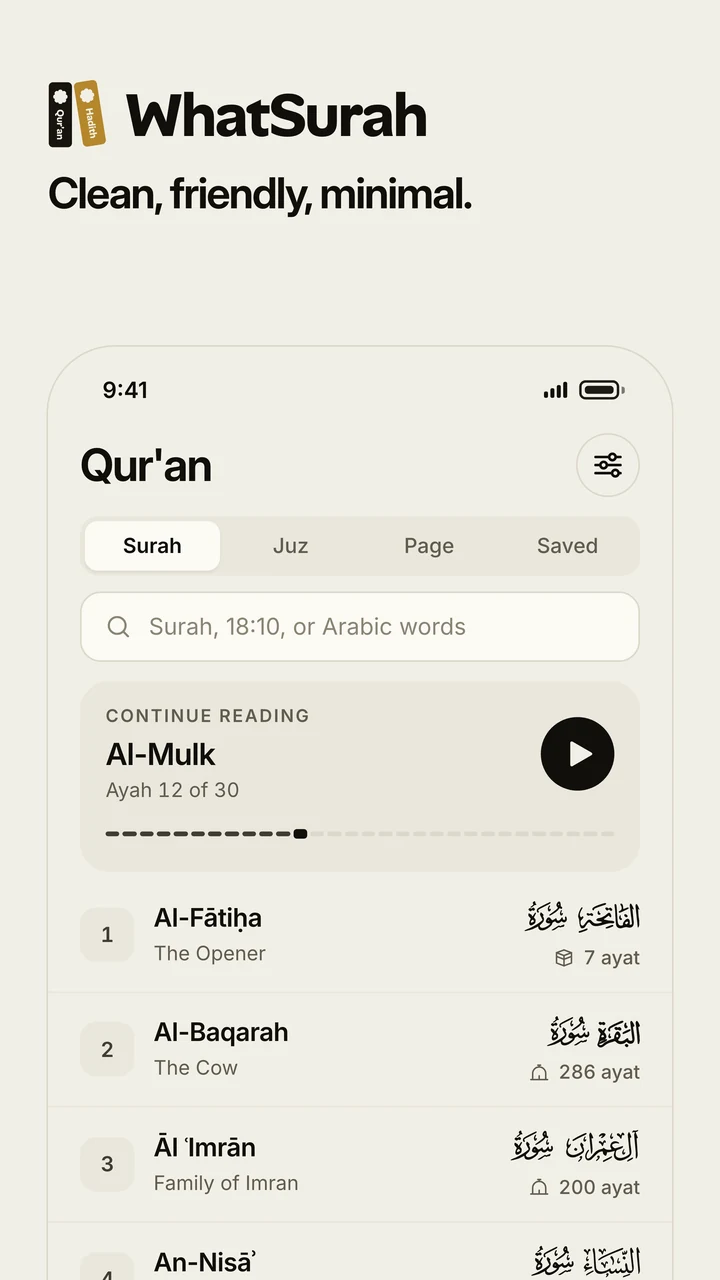
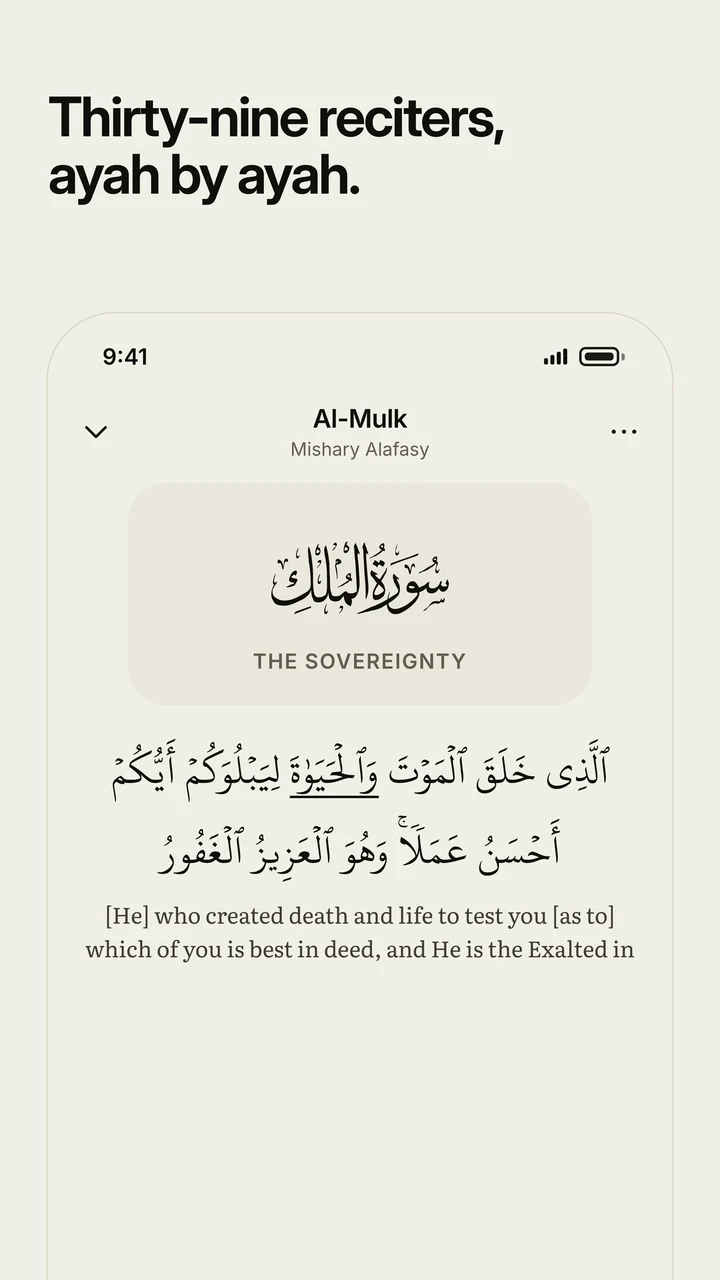
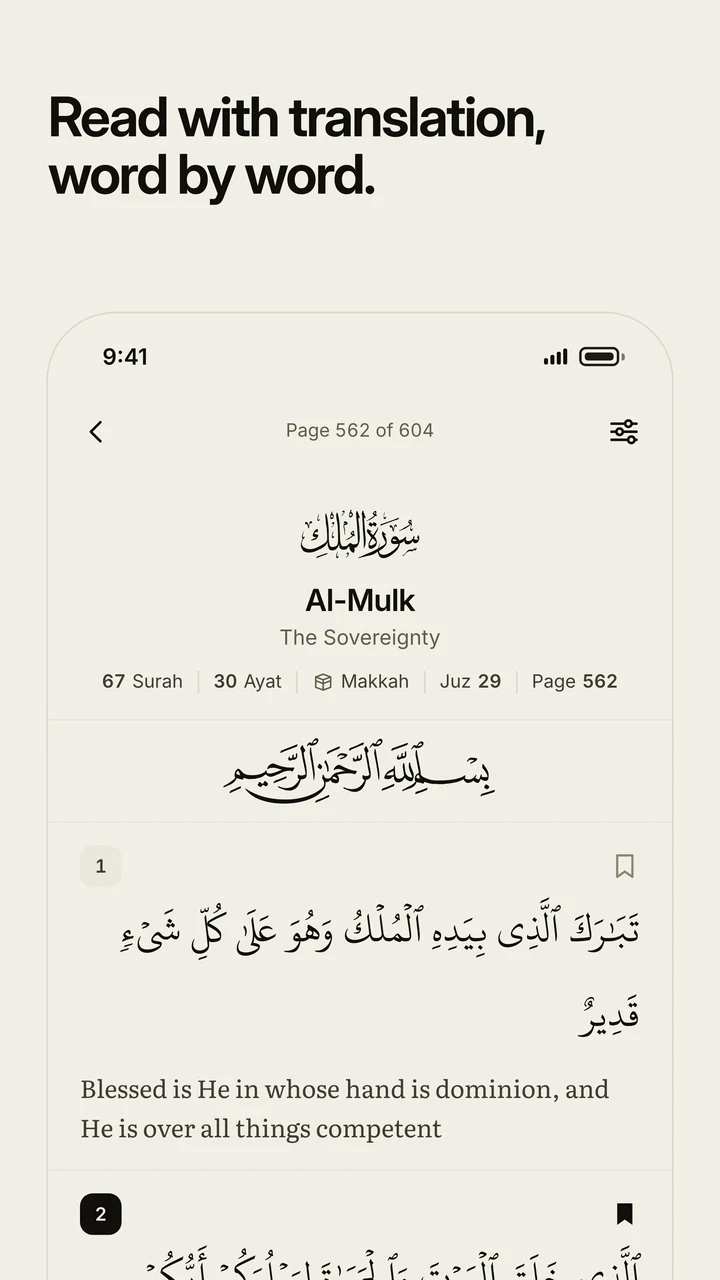
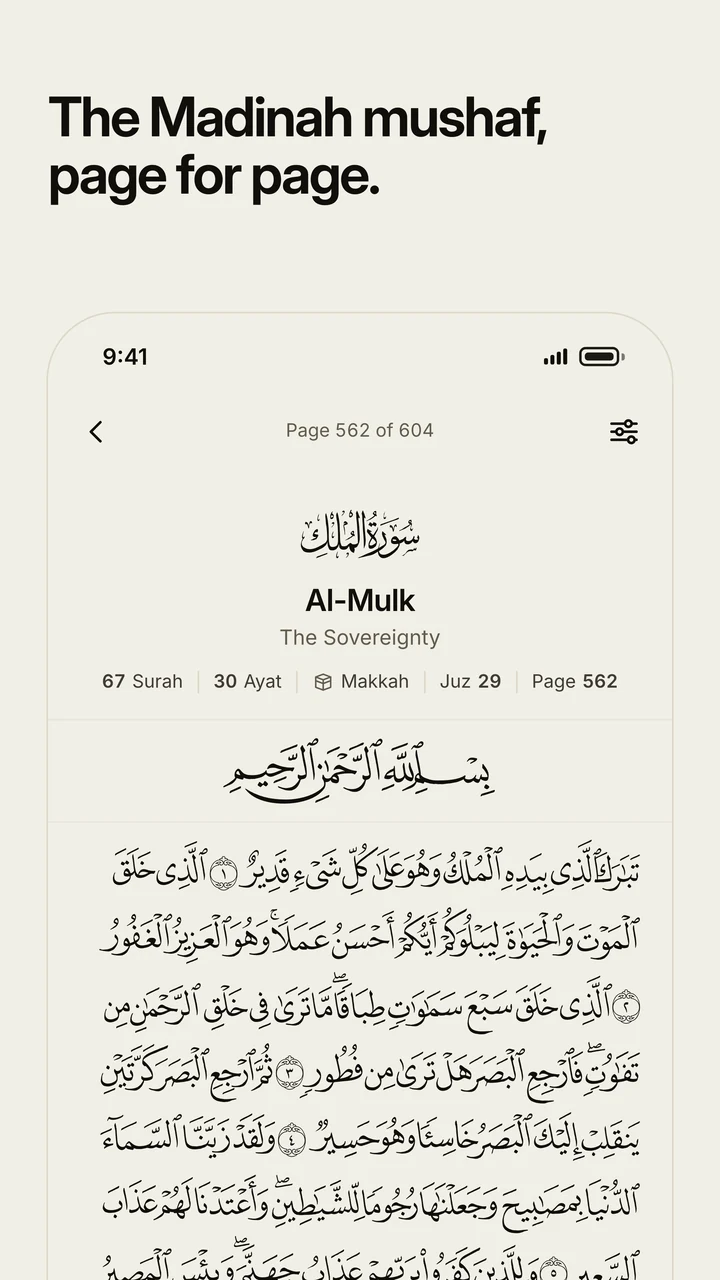
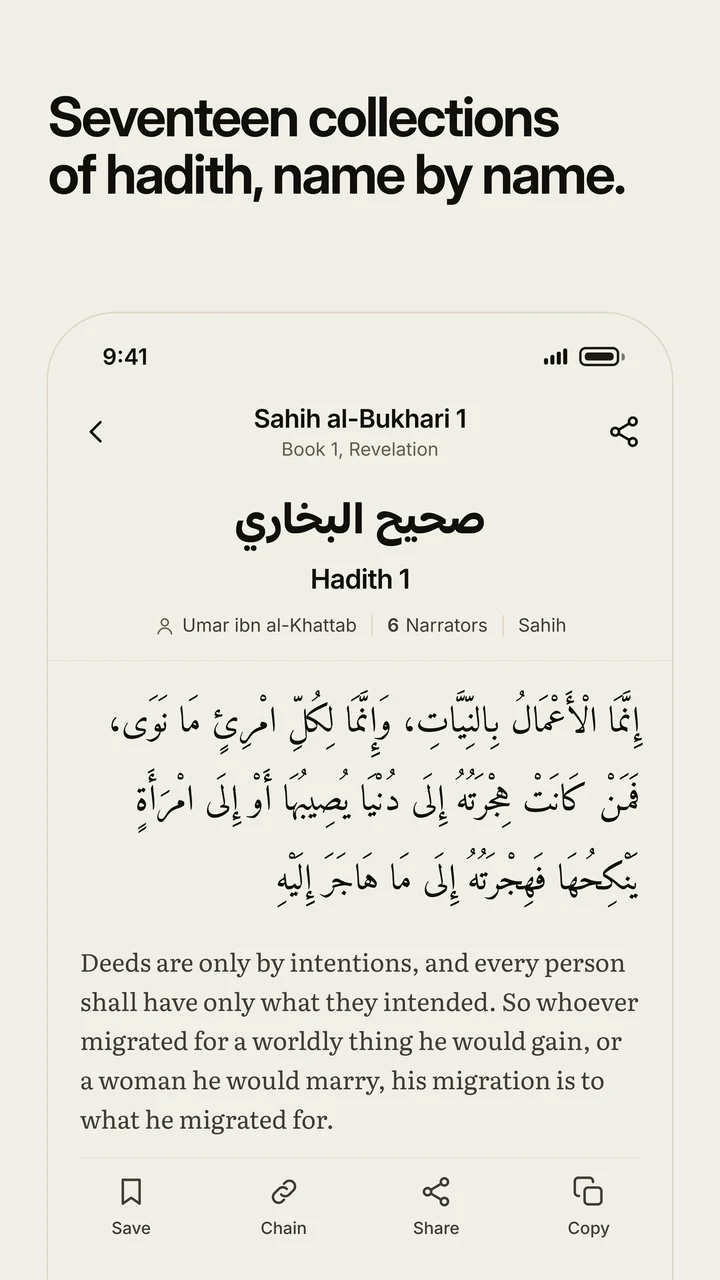
Yes, for Android, free on Google Play. It identifies a recitation from the microphone, and carries the whole Qur'an and seventeen collections of hadith.
Can I put an Ayah on my own website?
Yes. Open any Ayah, press Embed, choose light or dark and copy the code. Try it on Ayat al-Kursi.
Is WhatSurah free?
Yes, with no account and no ads, here, in the app and on Telegram as @WhatSurahBot.